
Ecommerce
How Calgary Retailers Are Moving from Brick-and-Mortar to Shopify to Drive Regional Growth
See how Calgary retailers use Shopify POS, click-and-collect, and multi-location inventory to grow across Alberta. Plan your move with x360 Digital.
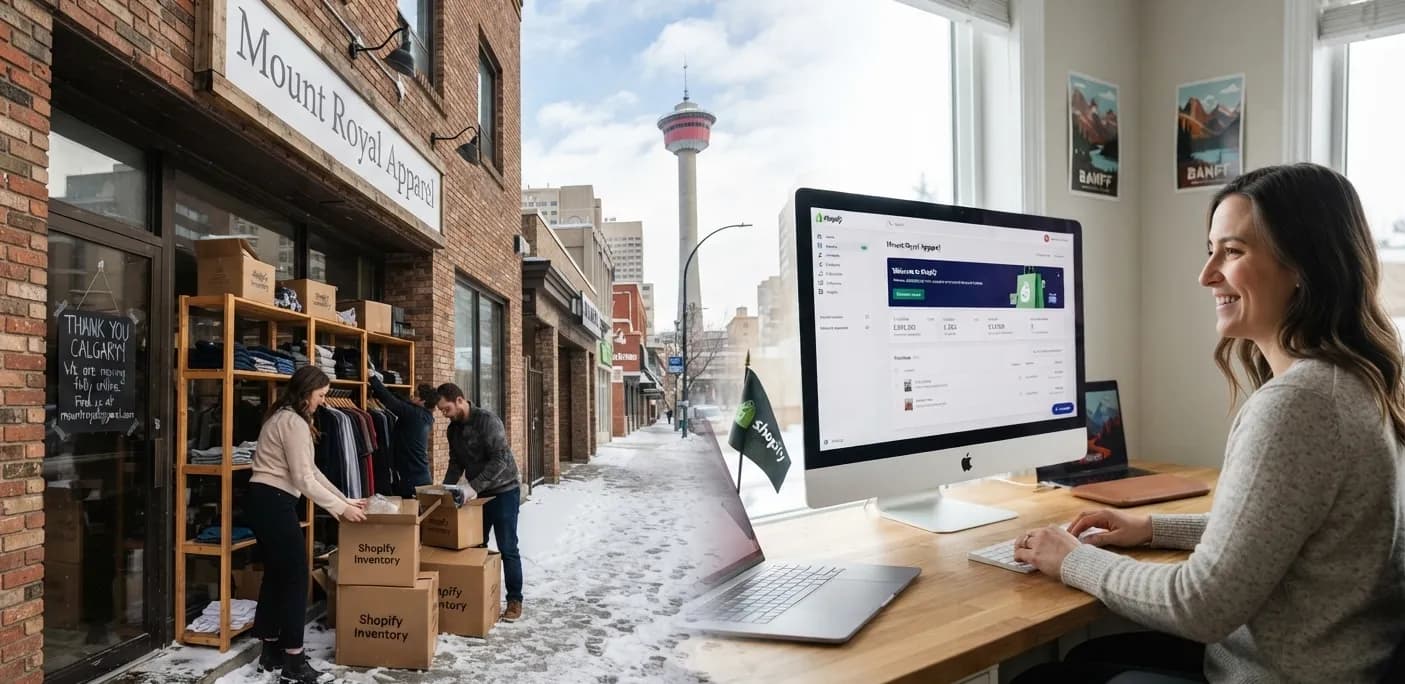
Walk down 17th Avenue, through a Kensington side street, or into a strip mall in Airdrie, and you will hear the same story from independent retailers. The shop is busy on Saturday. The website is an afterthought. The inventory spreadsheet is one wrong keystroke from a problem. And a customer in Red Deer keeps asking, “Can I just order this and pick it up on Thursday?”
That question is pushing a wave of Calgary retailers toward Shopify development. They are not abandoning their storefronts. They are using Shopify to connect the shop floor, the website, and every location into one system. This article covers how that shift works in practice, with a focus on three areas that matter most: Shopify POS, click-and-collect, and inventory across multiple Alberta storefronts.
At x360 Digital, a Shopify development company in Calgary, we work with local businesses on exactly this kind of transition. What follows reflects the patterns we see in the planning stage, and the mistakes we help retailers avoid.
Why Calgary retailers are rethinking their setup
Many Calgary retail businesses grew on a patchwork of tools: a legacy till system, a separate website, and a manual process to reconcile the two. It works until it doesn’t. A product sells in-store at 2 p.m. and is still listed online at 5 p.m. A customer drives across the city for an item that left the shelf days ago. Staff spend evenings fixing counts instead of serving people.
Shopify appeals because it replaces that patchwork with a single source of truth. Orders, products, customers, and stock levels live in one place, whether the sale happens on a phone in Cochrane or at the counter in Chestermere. Alberta also makes the move simpler than in most provinces. With no provincial sales tax, retailers only need to configure GST, which cuts down on the tax-setting headaches that multi-province sellers face. Check your tax setup with your accountant, but the baseline is simpler than most people expect.
Shopify POS: one counter, one catalogue
Shopify POS is the piece that makes the move feel like an upgrade rather than a risk. Instead of running the website and the shop as two businesses, the same product catalogue powers both.
What changes on the shop floor
- Staff can look up products, check stock at other locations, and ring up sales from a tablet or phone, which suits compact Calgary boutiques where a bulky till takes up valuable space.
- Customer profiles are shared. A shopper who bought online last month is recognised at the counter, so staff can see past orders and offer a more personal conversation.
- Returns, exchanges, and discounts follow the same rules in-store and online, which reduces the “but the website said something different” friction.
What we recommend before switching
Do not rush the hardware or the go-live date. A calm rollout usually looks like this: clean up your product data first, decide how SKUs and variants will be named, train staff on a quiet weekday, and run the old system alongside the new one for a short period. Retailers who skip data cleanup often carry old problems straight into the new platform.
It is also worth being honest about fit. Shopify POS suits most small and mid-sized retail operations well, but if you have unusual requirements such as complex wholesale pricing, special serial-number tracking, or deep integrations with an existing accounting stack, those should be mapped out before you commit. Plan features and pricing change from time to time, so confirm the current details on Shopify’s own plan pages when you budget.
Click-and-collect: the bridge between online and in-store
If there is one feature Calgary shoppers respond to quickly, it is local pickup. Winters are long, parking is a factor, and people like to know the item is waiting for them. Click-and-collect gives customers the speed of online shopping without shipping costs or delays.
Shopify supports local pickup as a delivery option at checkout. A well-built workflow does more than switch the feature on. It considers the whole experience:
- Show real availability. The product page should tell the customer which location has the item and roughly when it will be ready. Vague promises create frustrated phone calls.
- Set realistic preparation times. If your team needs two hours to pull and pack an order, say two hours. Customers forgive honesty far more than missed expectations.
- Send clear “ready for pickup” notifications. Customise the message with your address, hours, and what to bring. A friendly, human tone goes a long way.
- Make handover easy. A labelled shelf or a dedicated counter spot for pickup orders keeps your staff from digging through the back room while a queue builds.
- Track the follow-up. Orders that sit uncollected need a reminder and a clear policy.
One insight we share often: click-and-collect is also a quiet sales engine. A customer who comes in to collect a jacket often looks around. Retailers who set up pickup well tend to treat it as a chance to introduce more of the range, not just a logistics task.
For a deeper look at how a Shopify store can be shaped around the buying journey, our Shopify design and development services cover everything from theme design to migrations and product discovery.
Inventory across multiple Alberta storefronts
This is where the real regional growth happens. A retailer with a Calgary flagship, a smaller shop in Airdrie, and perhaps a presence in Lethbridge or Edmonton faces a classic challenge: stock is in the wrong place at the wrong time.
Shopify handles this through locations. Each storefront, warehouse, or stockroom becomes a location with its own inventory counts. That unlocks several practical advantages:
- Visibility. You see what each shop holds, what is selling fastest, and what is sitting idle, without calling around.
- Transfers. Moving stock from a slow-moving location to a busy one is tracked inside the system instead of on a scrap of paper.
- Smarter fulfilment. Online orders can be fulfilled or offered for pickup from the location that has the stock, which can shorten delivery times and reduce markdowns.
- Fewer oversells. When counts update the moment a sale happens anywhere, you stop promising items you no longer have.
A tip from experience: set low-stock thresholds per location, not just overall. A product that looks healthy in total may be nearly gone at the shop where it sells best. Regular stock counts, even brief cycle counts of your top sellers, keep the system trustworthy. Software does not fix inventory discipline, but it makes good habits much easier to maintain.
What a real Shopify relaunch can look like
Results vary by business, so we avoid making blanket promises. One example we can point to is Lime Liquor, a Shopify ecommerce relaunch where design, development, and SEO worked together as one system. The outcome was strong online sales momentum, including six-figure online sales and hundreds of customer orders. The lesson is not that the platform alone does the work. It is that a store built around the customer journey, and supported by search visibility, gives the platform something to amplify.
Don’t forget discoverability
Moving to Shopify does not automatically bring customers. A local retailer wants to be found when someone searches for a product in their city. That means sensible collection structures, descriptive product copy, clean URLs, and location-aware content. If you are migrating from an older site, a proper redirect plan protects the search rankings you have already earned. Pairing the build with SEO services in Calgary helps the new store get found, and digital marketing can then bring in traffic while the organic side builds.
A practical roadmap for your move
- Audit what you have. Products, customers, current tools, and pain points.
- Define your locations and workflows. Which stores offer pickup? Who handles transfers?
- Clean and migrate your data. Products, variants, images, and key URLs.
- Design for the full buying path. From discovery to checkout, on mobile first.
- Train your team. The best system fails if staff do not trust it.
- Launch, measure, refine. Use sales and search data to guide the next round of improvements.
Final thoughts
The Calgary retailers growing fastest right now are not choosing between the shop and the screen. They are making the two work as one business. Shopify POS keeps the counter and the website in sync, click-and-collect turns online interest into foot traffic, and multi-location inventory lets a growing Alberta brand act bigger than its footprint.
If you are weighing the move, the best first step is an honest conversation about your products, your locations, and your goals. The x360 Digital team is based in Calgary and happy to talk it through. You can start a Shopify project here.
FAQ
Can I keep my physical store open while I move to Shopify?
Yes. Most retailers run both systems briefly, migrate data in stages, and switch the till over on a quiet day. Careful planning keeps disruption low.
Does Shopify POS work for stores in more than one Alberta city?
Yes. Each store can be set up as its own location with separate inventory, staff access, and reporting, all managed from one Shopify account.
How does click-and-collect work with Shopify?
Customers choose local pickup at checkout, your team prepares the order, and an automatic notification tells them it is ready. Preparation times and pickup instructions can be customized.
Do I need to charge PST in Alberta?
Alberta has no provincial sales tax, so GST is the main tax to configure. Confirm your specific setup with an accountant.
Can you migrate my products and protect my SEO?
Yes. Migration includes moving products and content, rebuilding the storefront, and mapping important existing URLs to their new destinations. Scope depends on your current platform and data quality.
Do I need a headless Next.js storefront?
Not usually. Many stores are well served by a custom Shopify theme. A headless build makes sense when you need more control over the experience and have a clear business reason.